
Getting started
How to set up MQTT Publisher to push Airthings data to your broker
Set up an MQTT Publisher configuration to have Airthings push sensor data and hub metadata directly to your MQTT broker.
Step 1: Prerequisites
- An Airthings organization with devices provisioned
- An MQTT broker accessible from the internet (e.g., AWS IoT Core, Active MQ)
- Broker hostname, port, and credentials ready
Step 2: Create an MQTT configuration
Create a configuration by navigating to create-mqtt-publisher.
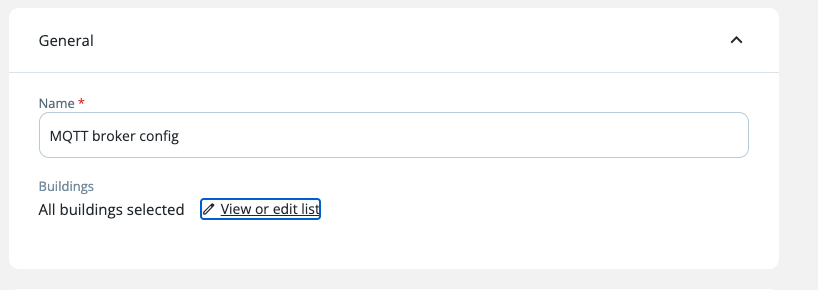
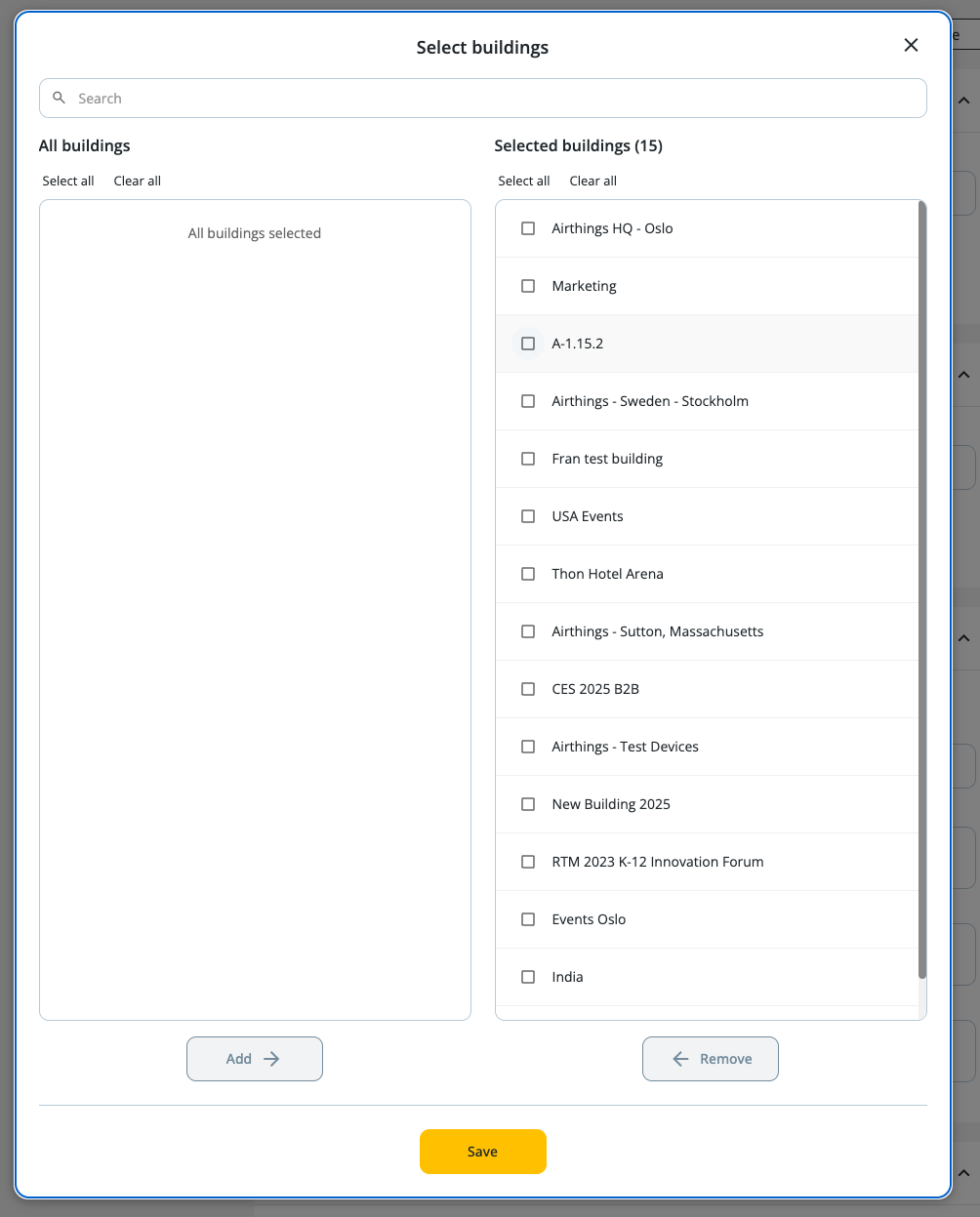
All buildings are selected by default or select buildings.
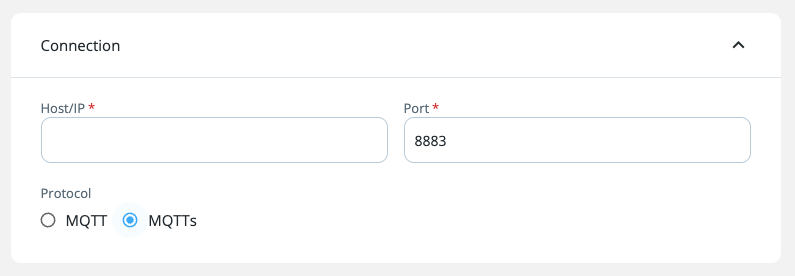
Choose the required protocol for the broker
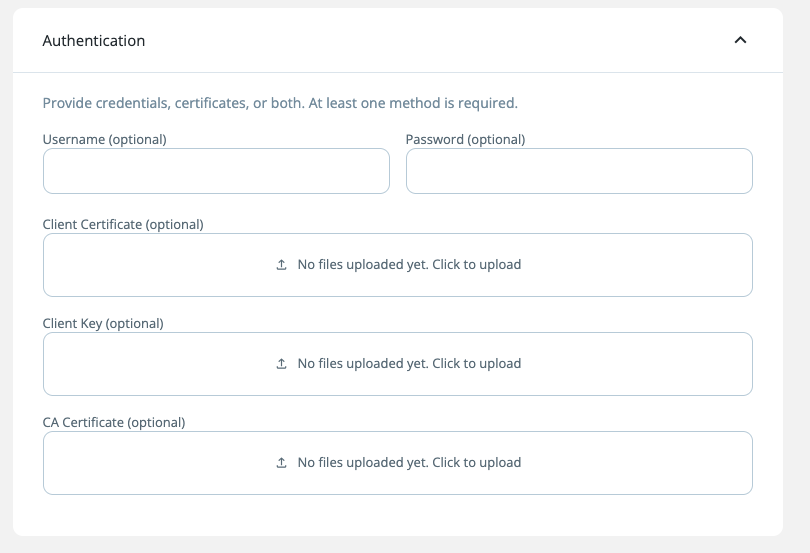
Upload the relevant credentials
Use the defaults topic format or enter your custom topic format for the broker.
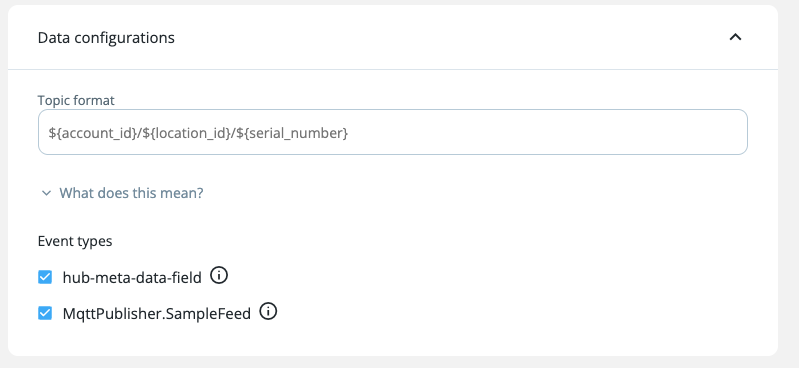
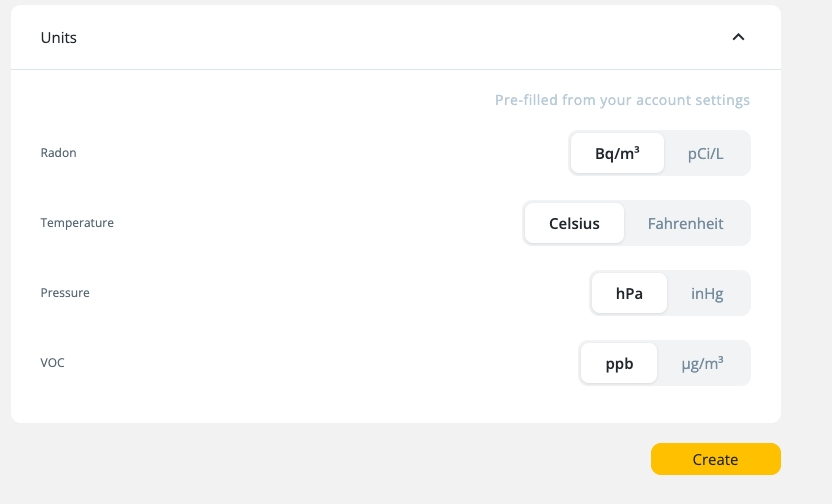
Select preferred units and click "Create".
Step 3: Test the connection
Once the config is created, verify broker connectivity by clicking Test Connection button.
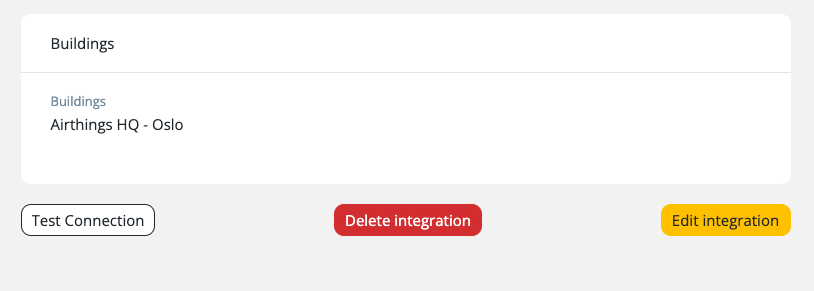
A test message is published to a topic generated from your template using test values (serialNumber: 0000000000, locationId: test, messageType: sample).
{
  "status": "CONNECTION_AND_PUBLISH_SUCCESS",
  "message": "Successfully connected and published test message to topic: org-123/test/0000000000/sample"
}
Possible status values:
| Status | Meaning |
|---|---|
CONNECTION_AND_PUBLISH_SUCCESS | Connected to broker and published test message |
CONNECTION_FAILED | Could not establish connection to broker |
PUBLISH_FAILED | Connected to broker but failed to publish message |
Step 4: Verify data flow
- Subscribe to your broker's topic matching your template pattern (e.g.,
{accountId}/#) - Wait for real device data to arrive (devices typically report every 5 minutes)
- Validate the JSON payload structure — see Topics for the full payload reference
Validation rules
| Rule | Details |
|---|---|
| Protocol + Auth | MQTT only supports BASIC_AUTHENTICATION. MQTT + CERTIFICATE_BASED is not allowed. |
| MQTTS auth | Requires at least username/password or certificates. Both can be used together. |
| Host | Must not contain spaces |
| Port | Must be between 1 and 65535 |
| Config limit | Maximum 10 configurations per organization |
| Event types | At least one event type is required |
Updated 7 months ago